

QPAD Gaming keyboards.
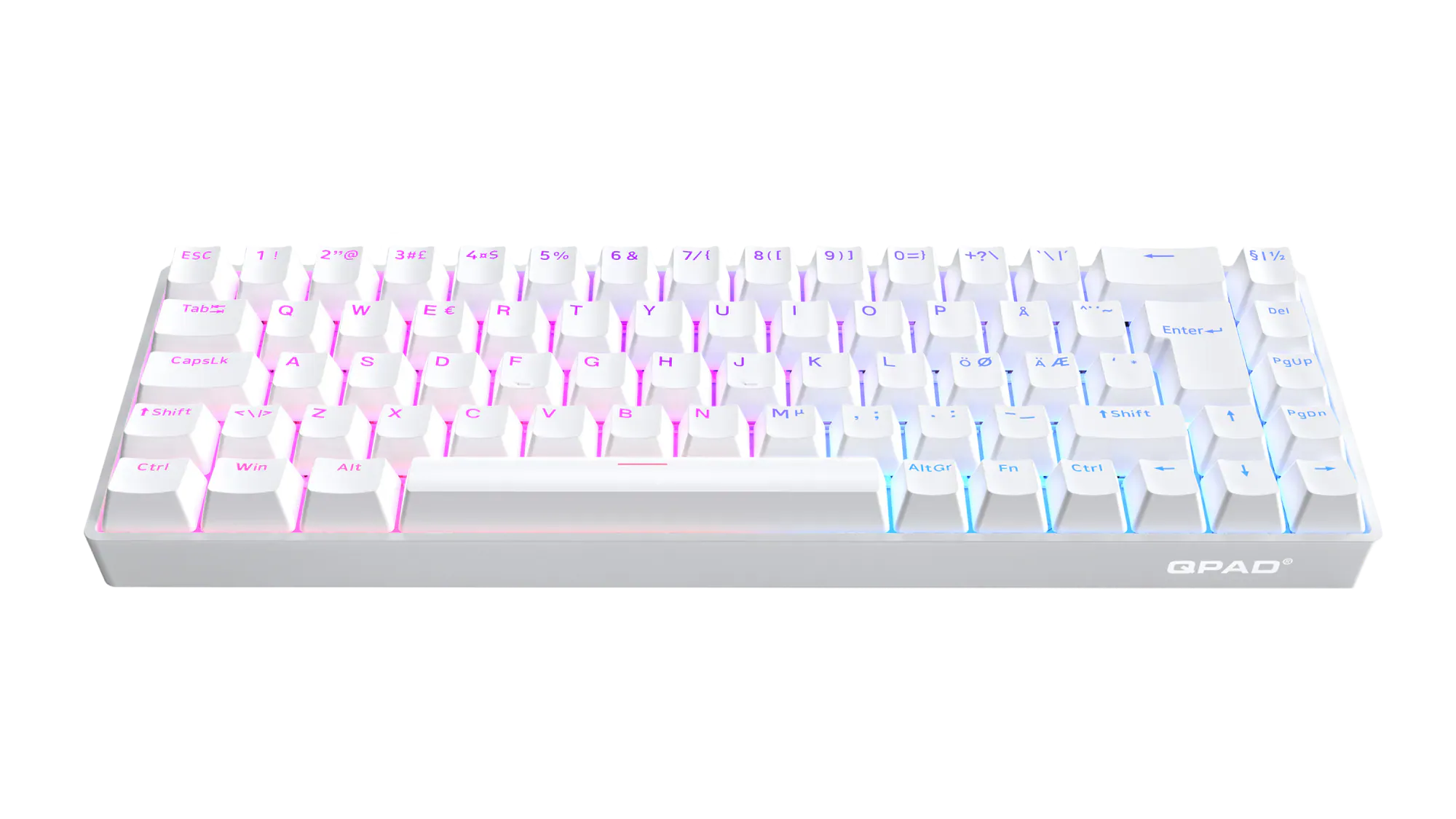
FLUX 65
FLUX 65 MODEL 5
- MAGNETIC SWITCHES
- 65% COMPACT
- RAPID TRIGGER
- SHINE THROUGH KEYCAPS
- RGB
- POLLING RATE
- SOUND DAMPENING


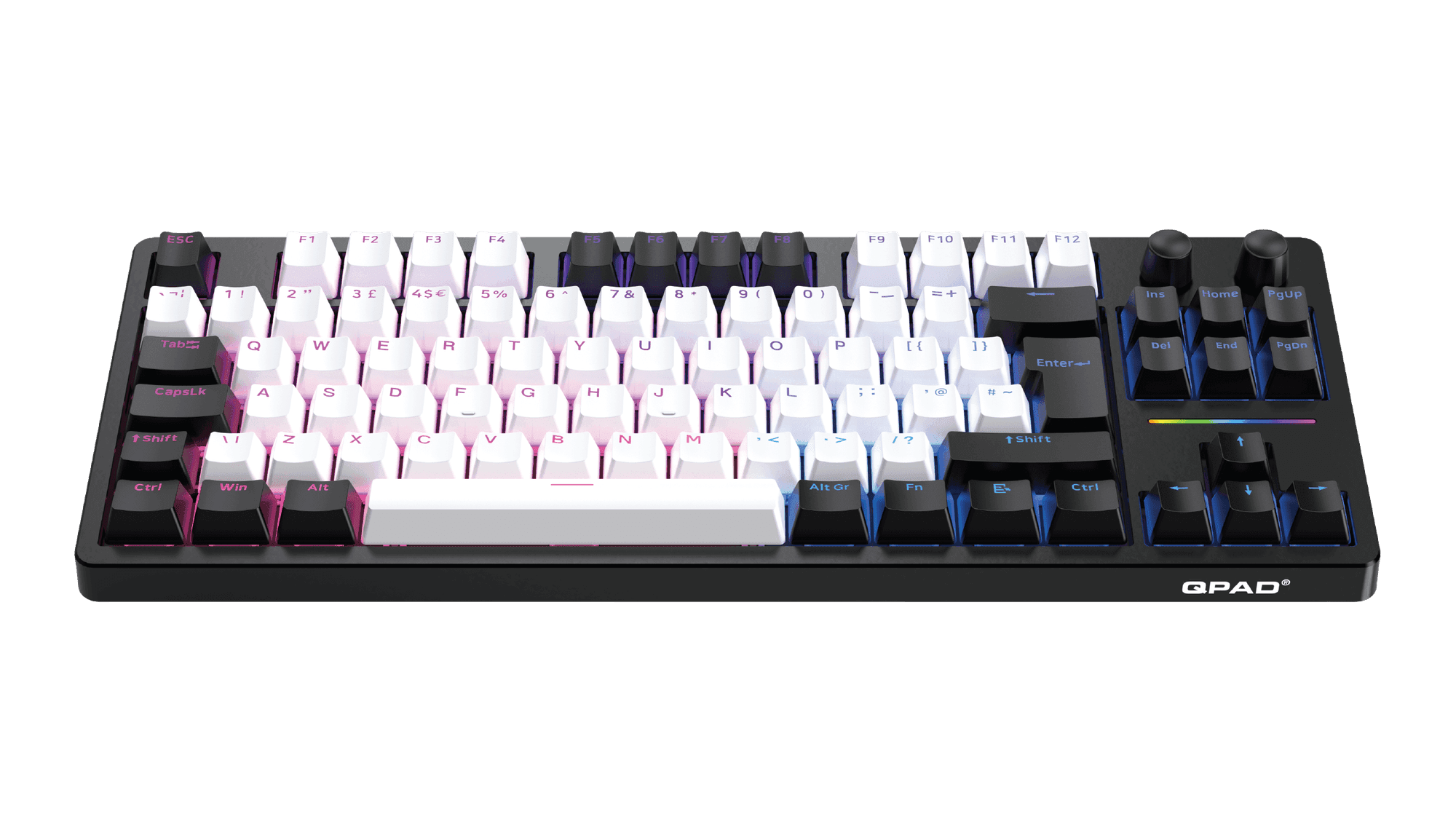
LOOP TKL
LOOP TKL MODEL 3
- SWAPPABLE SWITCHES
- TKL
- GASKET STRUCTURE
- SHINE THROUGH KEYCAPS
- RGB
- DUAL DIALS
- DUAL WIRELESS
- SOUND DAMPENING
- 27 HOURS
- BRIGHTNESS SLIDER


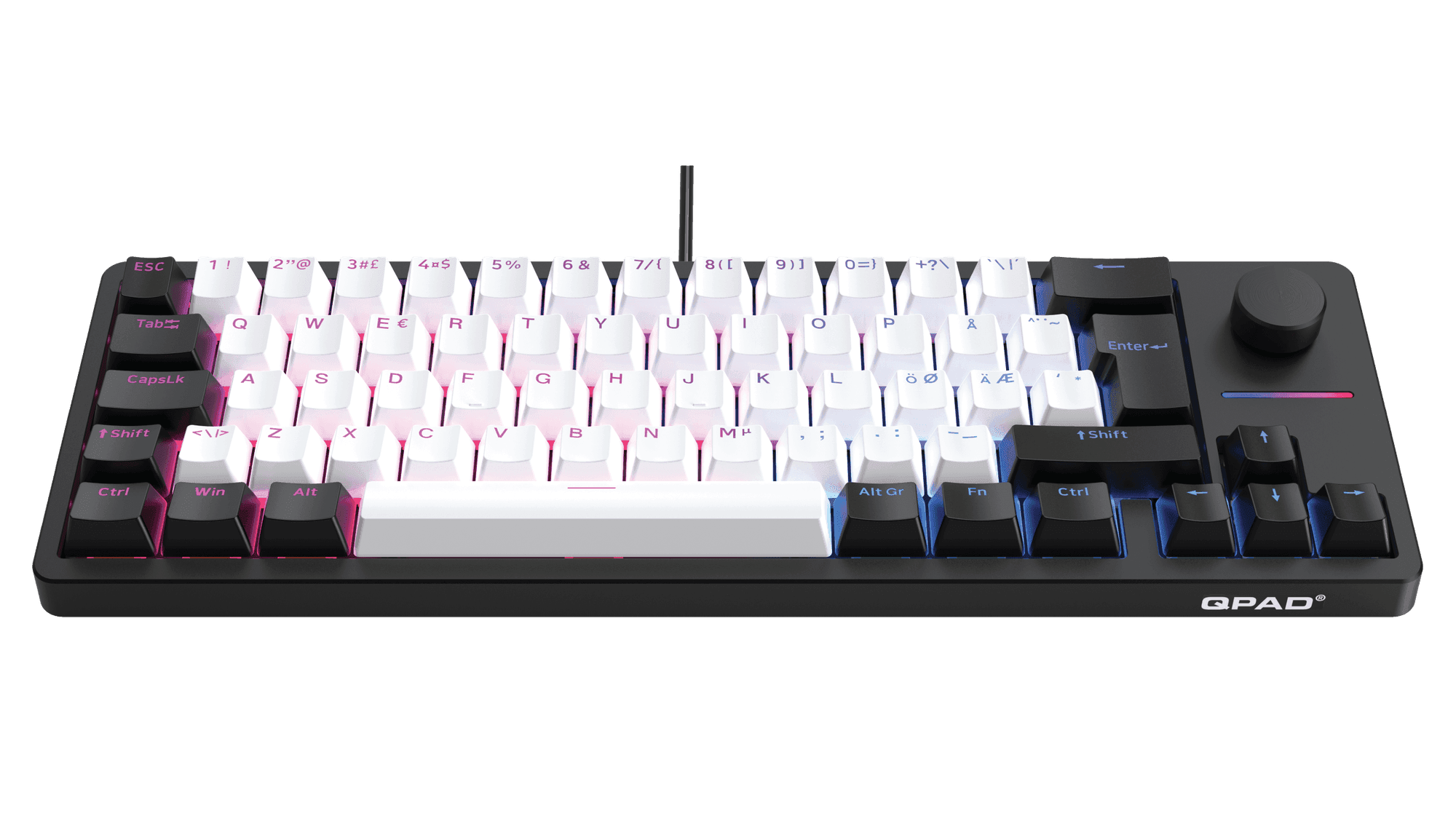
LOOP 65
LOOP 65 MODEL 1
- SWAPPABLE SWITCHES
- 65% COMPACT
- GASKET STRUCTURE
- SHINE THROUGH KEYCAPS
- RGB
- DUAL DIALS
- SOUND DAMPENING

How a magnetic gaming keyboard differs from mechanical
In short. A magnetic gaming keyboard uses a Hall sensor to read how far each key moves, so you set the actuation point on every key and get Rapid Trigger. A mechanical board keeps a fixed actuation point, but the switches sit in sockets you can change yourself. QPAD makes both. The Flux 65 runs Gateron magnetic switches and polls up to 8000 Hz. The Loop 65 and Loop TKL use MX hot-swap switches at 1000 Hz, and the Loop TKL also works wireless.
How magnetic switches change your input
Magnetic switches change how a keypress is read. Instead of two pieces of metal meeting, a small magnet moves past a Hall sensor, which tracks where the key sits at every point of its travel. The Flux 65 uses this to let you set the actuation point for each key across the whole downstroke. Rapid Trigger takes it further: the key resets the moment you lift, with no fixed release depth, so quick repeated taps and counter-strafing register cleanly.
Reporting runs up to 8000 Hz, which sends position eight times as often as a 1000 Hz board, something you feel in fast repeated input rather than ordinary typing. The Flux 65 keeps a compact 65% layout at 310 × 100 × 40 mm and 720 g, with double-shot PBT keycaps, RGB on every key, an anodised aluminium switch plate and a detachable USB-C cable. You can pick it in black or white.

When a Hot-Swap Mechanical Keyboard Fits Better
A hot-swap mechanical keyboard makes more sense when you want to change the feel or sound without a soldering iron, because the switches drop into sockets that accept either 3-pin or 5-pin MX types. Both the Loop 65 and the Loop TKL rest on a gasket mount, which gives a softer bottom-out and less case ring.
The Loop 65 keeps the compact 65% form with per-key RGB and a detachable USB-C cable, measuring 390 × 170 × 50 mm at 1000 g. The Loop TKL moves to an 80% layout that holds on to the function row and arrows, and it links over 2.4 GHz, Bluetooth for three devices, or USB-C, with a battery good for up to 27 hours.

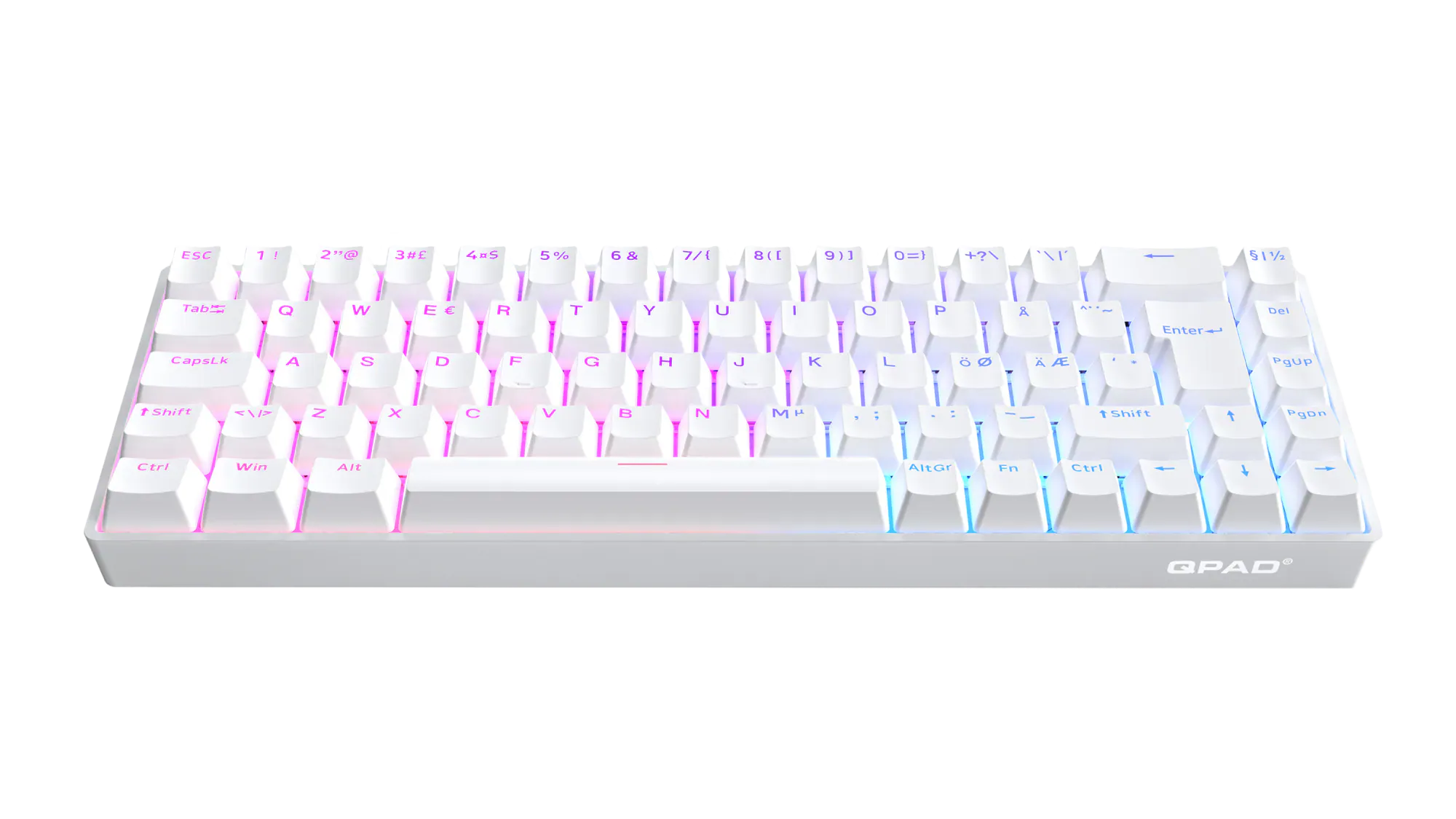 Flux 65 Flux 65 | 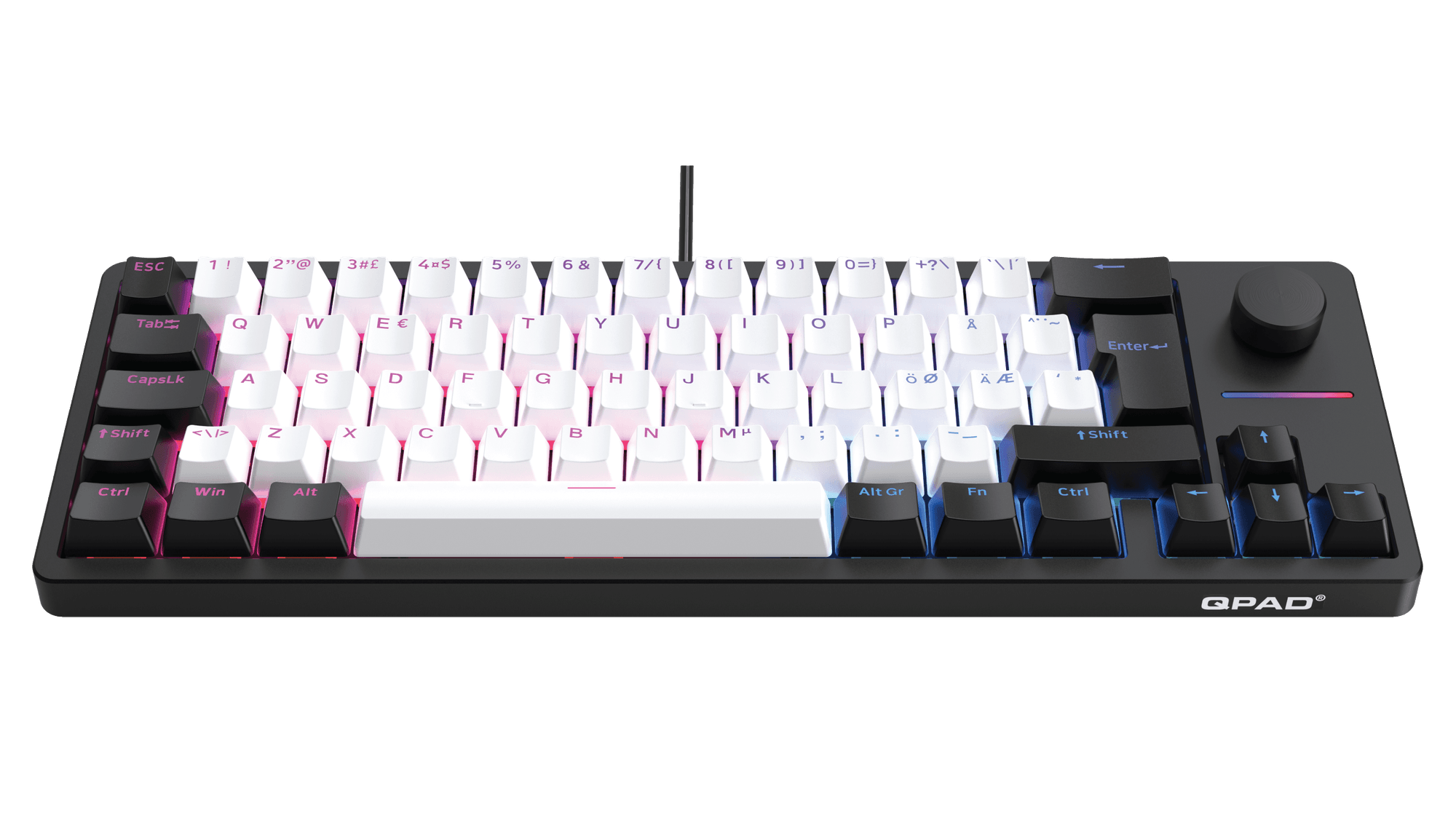 Loop 65 Loop 65 | 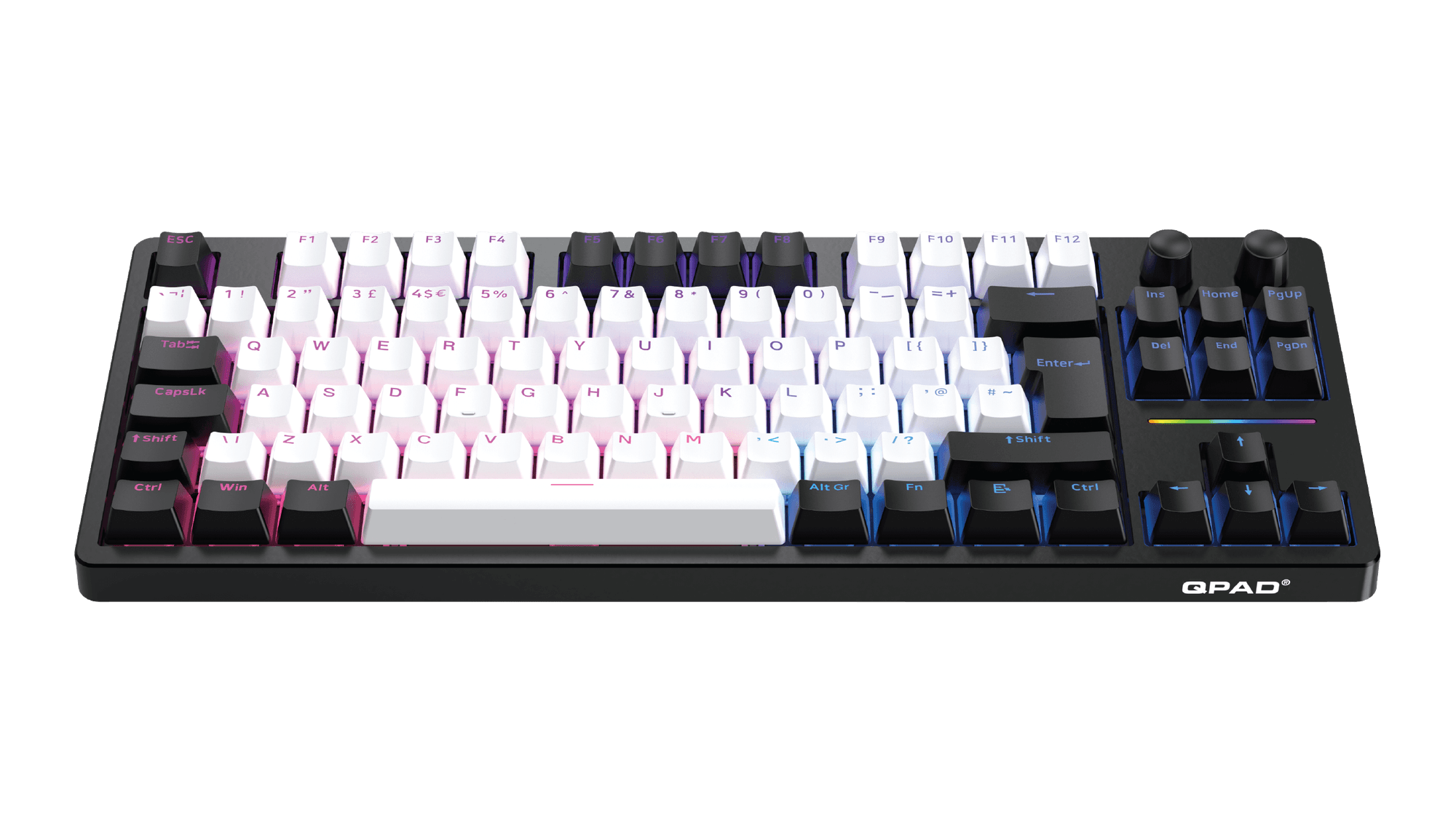 Loop TKL Loop TKL | |
|---|---|---|---|
| Layout | 65% | 65% | Tenkeyless (80%) |
| Switches | Gateron magnetic, per-key actuation | MX hot-swap, 3- and 5-pin | MX hot-swap, 3- and 5-pin |
| Polling rate | Up to 8000 Hz | 1000 Hz | 1000 Hz |
| Connection | USB-C, detachable | USB-C, detachable | 2.4 GHz · Bluetooth · USB-C |
| Battery | Wired | Wired | Up to 27 h |
| Keycaps | Double-shot PBT | Double-shot | PBT |
| Weight | 720 g | 1000 g | 790 g |
How to choose
- 01
Input speed. The Flux 65 lets you set the actuation point on each key by itself, and Rapid Trigger resets on lift-off, so taps register fast at up to 8000 Hz.
- 02
Switch feel. On the Loop 65 and Loop TKL you choose the switch yourself, since the sockets take any MX 3-pin or 5-pin switch and you swap them without soldering.
- 03
Wireless. Only the Loop TKL goes wireless, over 2.4 GHz or Bluetooth, and runs up to 27 hours per charge, while the Flux 65 and Loop 65 stay wired over USB-C.
- 04
Size. A 65% board like the Flux 65 leaves off the function row and measures 310 mm across, while the TKL keeps the function row and arrows and runs 365 mm wide.
FAQ
- What is a magnetic gaming keyboard?
- A magnetic gaming keyboard reads each keypress with a magnet and a Hall effect sensor, so no metal parts touch to register the press. Because the board always knows how far a key has travelled, you can set the actuation point per key and use Rapid Trigger. The Flux 65 runs Gateron magnetic switches.
- What is Rapid Trigger on a keyboard?
- Rapid Trigger resets a key the moment you begin lifting your finger, rather than at one fixed release point. That lets you press the same key again before it fully returns, so repeated taps and quick double taps still count. It suits counter-strafing in shooters.
- What does hot-swap mean on a keyboard?
- Hot-swap means the switches sit in sockets, so you can pull them out and fit different ones without any soldering. That lets you change the feel or the sound yourself. The Loop 65 and Loop TKL take 3-pin and 5-pin MX-style switches.
- Is 8000 Hz polling noticeable?
- In everyday typing you will not feel 8000 Hz, but in fast repeated input it is measurable. The keyboard reports its state up to eight times more often each second than a 1000 Hz board, which trims the delay between a press and the game registering it.
- Which QPAD keyboard is wireless?
- The Loop TKL is the wireless one. It connects over 2.4 GHz, over Bluetooth to as many as 3 devices, or through a USB-C cable. On a full charge the battery lasts up to 27 hours.
- What is the difference between a 65% and a TKL keyboard?
- A 65% board keeps the arrow keys but drops the function row and the navigation cluster, which makes it narrower. A TKL keeps the function row and navigation and removes only the number pad. The Flux 65 and Loop 65 are 65% boards, while the Loop TKL is an 80% layout.